

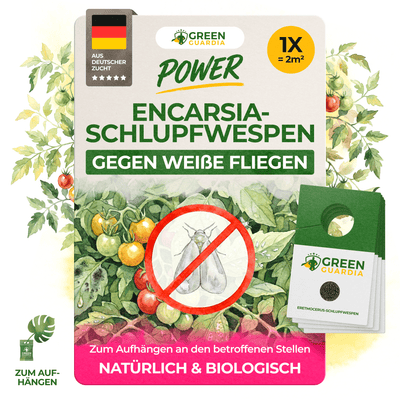
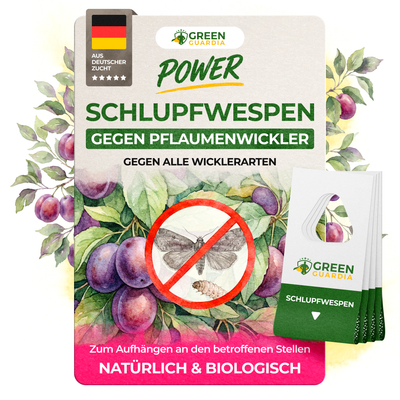

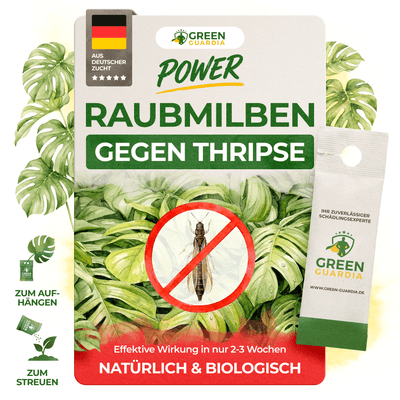
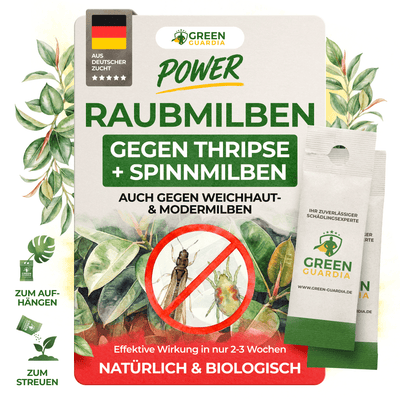

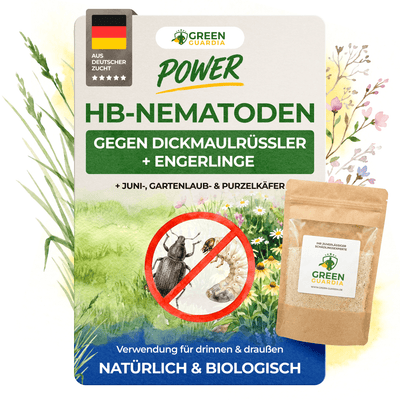

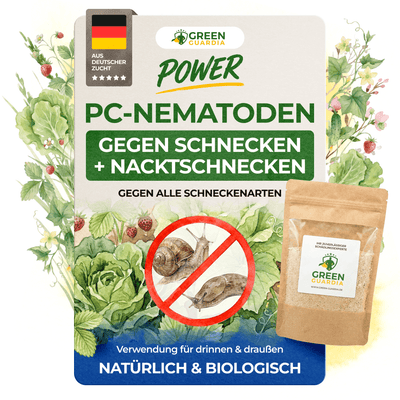
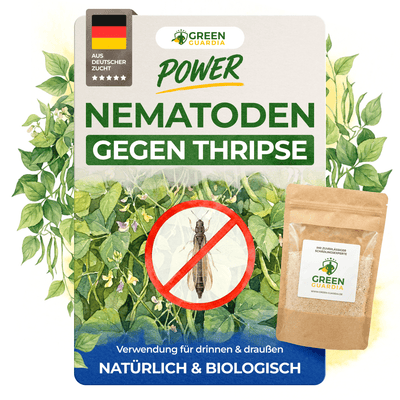
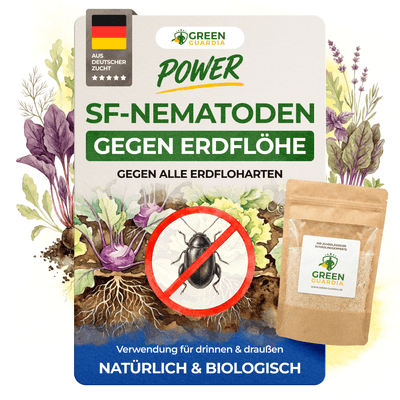


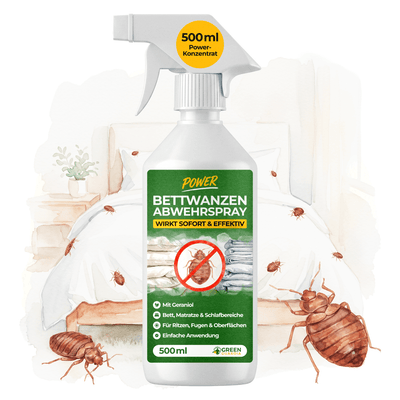
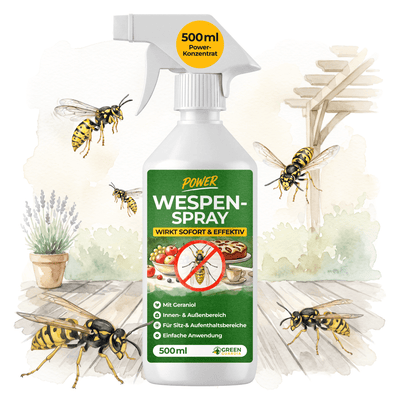


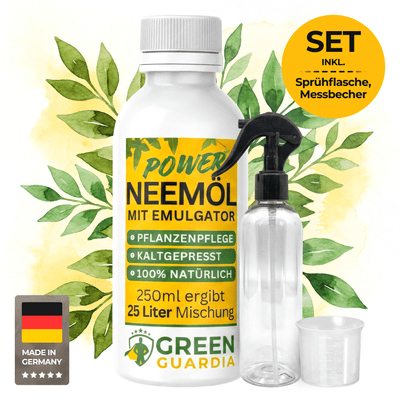
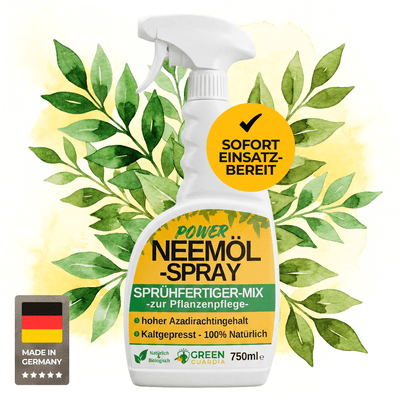
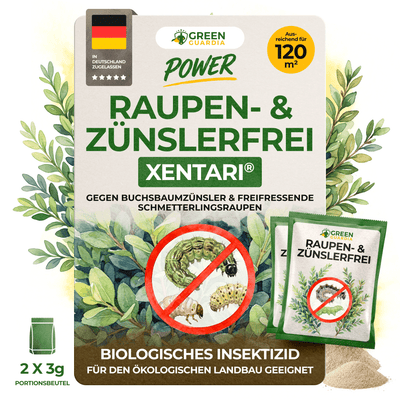


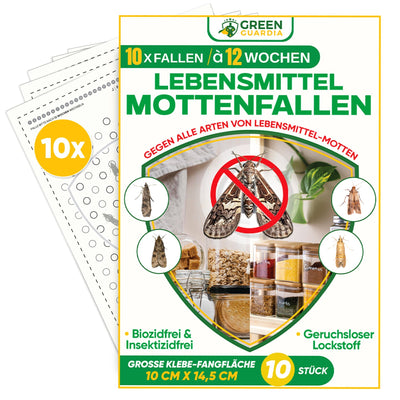
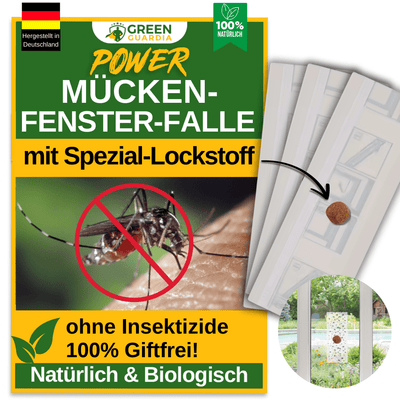
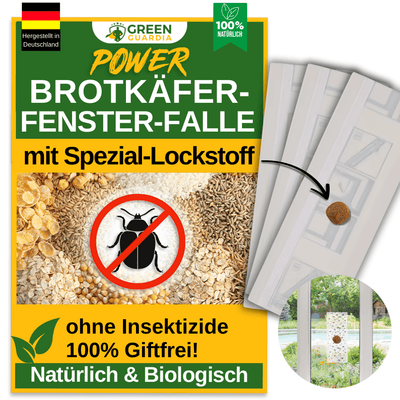








So funktioniert's:
Wähle Dein Produkt
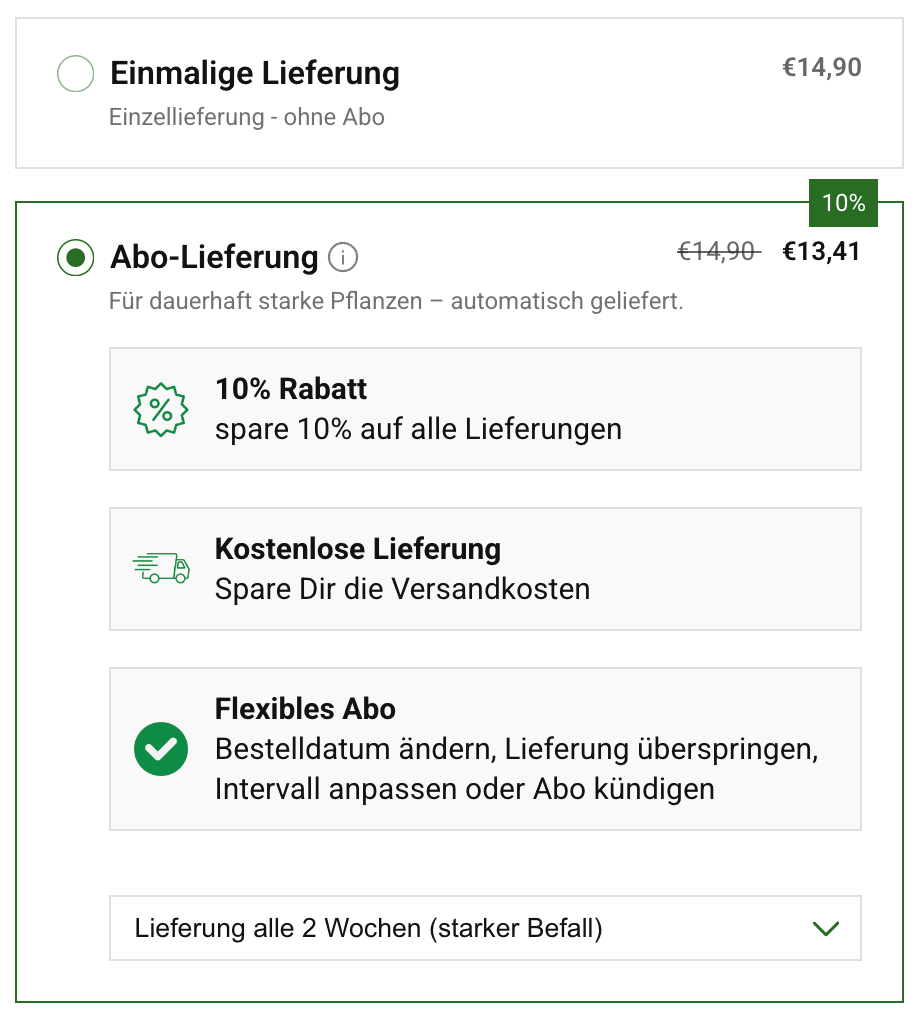
Wähle das passende Produkt für Deinen Bedarf und aktiviere die praktische Abo-Option direkt auf der Produktseite.
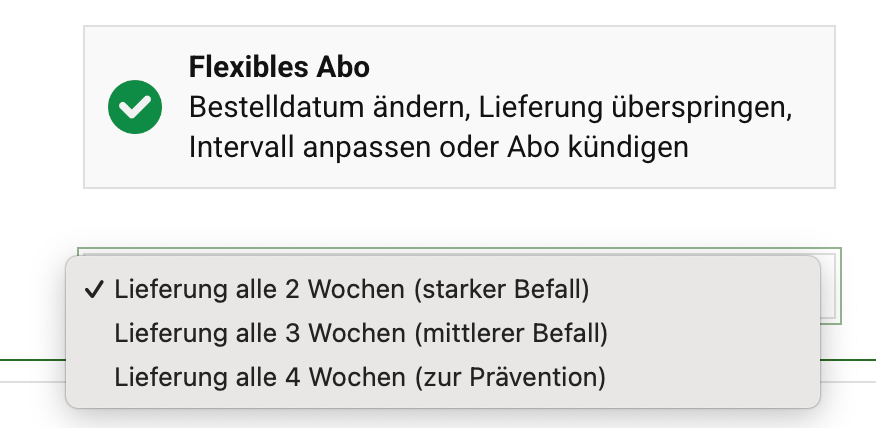
Bestimme Dein Intervall
Leg fest, welche Lieferfrequenz am besten zu Dir und Deinem Befall passt.

Profitiere von exklusiven Vorteilen
Freu Dich auf kostenlosen Versand, 10 % Rabatt auf jede Lieferung und ein schädlingsfreies Zuhause.
Häufig gestellte Fragen
Das GREEN GUARDIA Abo ist die einfachste und zuverlässigste Möglichkeit, Deine Produkte regelmäßig zu erhalten – genau dann, wenn Du sie brauchst.
So stellst Du sicher, dass Du Schädlinge dauerhaft im Griff behältst und Dein Zuhause oder Deine Pflanzen nachhaltig geschützt bleiben.
Wir liefern Dir automatisch die Produkte, die Du ausgewählt hast – im gewünschten Lieferintervall und ohne, dass Du jedes Mal neu bestellen musst.
Außerdem sparst Du 10 % bei jeder Lieferung und profitierst von kostenlosem Standardversand sowie weiteren exklusiven Vorteilen.
Unser Abo ist flexibel und jederzeit online anpassbar: Lieferintervall ändern, Produkte tauschen oder pausieren – ganz wie Du es brauchst.
Du behältst jederzeit die volle Kontrolle:
Einige Tage vor jeder Lieferung erhältst Du eine Erinnerungs-E-Mail und kannst dann bequem entscheiden, ob Du Menge, Lieferdatum oder Intervall anpassen möchtest. Natürlich kannst Du Dein Abo auch jederzeit kündigen – ohne Mindestlaufzeit und ohne Aufwand.
Ein Abo abzuschließen ist ganz einfach:
Aktiviere die Abo-Option direkt auf der jeweiligen Produktseite, wähle Dein gewünschtes Lieferintervall und schließe die Bestellung wie gewohnt ab.
Bitte beachte: Im Abo wird ausschließlich das von Dir ausgewählte Produkt geliefert. Weitere Artikel oder Geschenke in Deinem Warenkorb sind nicht Teil des Abonnements.
Nach Abschluss Deines Abos erhältst Du eine Bestätigungs-E-Mail.
Darin findest Du einen Link, über den Du Dein Abonnement jederzeit flexibel verwalten kannst.
Wenn Du bisher kein Kundenkonto hattest, wird automatisch eines für Dich erstellt. Du bekommst dazu eine separate E-Mail, über die Du zukünftige Bestellungen, Produkte und Deine Kontodaten ganz einfach verwalten kannst.
Deine Abo-Bestellungen werden automatisch im gewählten Intervall ausgelöst.
Abgerechnet wird immer erst am Tag des Versands.
Sobald Dein Abo aktiv ist, kannst Du es jederzeit flexibel verwalten.
Du kannst das nächste Bestelldatum ändern, eine Lieferung überspringen, das Lieferintervall anpassen oder Dein Abo kündigen.
Melde Dich dafür einfach in Deinem Kundenkonto an und öffne den Bereich „Deine Abos“.
Bitte beachte: Änderungen oder Kündigungen können bis zu 24 Stunden benötigen, um vollständig verarbeitet zu werden.
Bei festen Abos wie bei Schlupfwespen, sind keine Kündigungen notwendig.
Bestelldatum ändern
Um das Datum Deiner nächsten Bestellung anzupassen, öffne in Deinem Abo-Bereich den Punkt „Nächste Bestellung ansehen“ und klicke auf „Verschieben“.
Wähle anschließend ein neues Datum aus.
Wenn Du mehrere Abos hast und nur das Datum für ein bestimmtes Produkt ändern möchtest, wähle dieses Produkt aus und klick auf „Bearbeiten“, um das Bestelldatum individuell anzupassen.
Lieferintervall ändern
Das aktuelle Lieferintervall wird direkt neben jedem Deiner abonnierten Produkte angezeigt.
Klicke einfach auf das angezeigte Intervall, um es zu ändern, und wähle den für Dich passenden Rhythmus aus.
Lieferung überspringen
Wenn Du eine Lieferung aussetzen möchtest, öffne „Nächste Bestellung ansehen“ und wähle dort „Überspringen“ aus.
Damit wird die komplette anstehende Bestellung übersprungen.
Abonnement kündigen
Um Dein Abo zu kündigen, öffne den Bereich „Meine Abonnements“ und wähle das entsprechende Produkt aus.
Bei festen Abos wie bei Schlupfwespen, sind keine Kündigungen notwendig.
Scrolle nach unten und klicke auf „Abonnement kündigen“, anschließend kannst Du einen Grund auswählen.
Sobald die Kündigung bestätigt wurde, werden keine weiteren Bestellungen mehr ausgelöst. Du erhältst dafür eine Bestätigungs-E-Mail.
Bitte beachte: Die vollständige Verarbeitung kann bis zu 24 Stunden dauern.
Tipp: Abo behalten & flexibel anpassen
Wenn Du Dein Abo nur ändern möchtest, weil sich Deine aktuellen Bedürfnisse verändert haben, musst Du nicht unbedingt kündigen.
Du kannst stattdessen eine Lieferung überspringen, das Lieferintervall anpassen oder sogar das Produkt innerhalb des Abos wechseln – besonders praktisch, wenn Du saisonal unterschiedliche GREEN GUARDIA Produkte bevorzugst.
So behältst Du weiterhin alle Vorteile:
kostenloser Versand, 5 % Rabatt auf jede Lieferung und doppelte Treuepunkte.
Bei einer Kündigung entfallen diese Vorteile.
Du kannst Deine nächste Lieferung jederzeit in Deinem Abo-Bereich einsehen.
Melde Dich einfach in Deinem Kundenkonto an und klicke auf den blauen Button „Deine Abos“. Dort findest Du das Datum Deiner nächsten Lieferung sowie alle Produkte, die in dieser Bestellung enthalten sind.
Wenn Du etwas anpassen möchtest – z. B. eine Lieferung überspringen oder Änderungen vornehmen – kannst Du das direkt an dieser Stelle ganz unkompliziert erledigen.
Für Abonnements stehen Dir folgende Zahlungsmethoden zur Verfügung:
- Kreditkarte
- PayPal
- Apple Pay, Google Pay, Shop Pay
Bitte beachte: Klarna kann nur für einmalige Bestellungen genutzt werden und steht für Abonnements nicht zur Verfügung.